The bot's real answer to this photo
Nothing redrawn. The bot always sends two versions: without background and the whole photo — in case the background didn't come off cleanly.
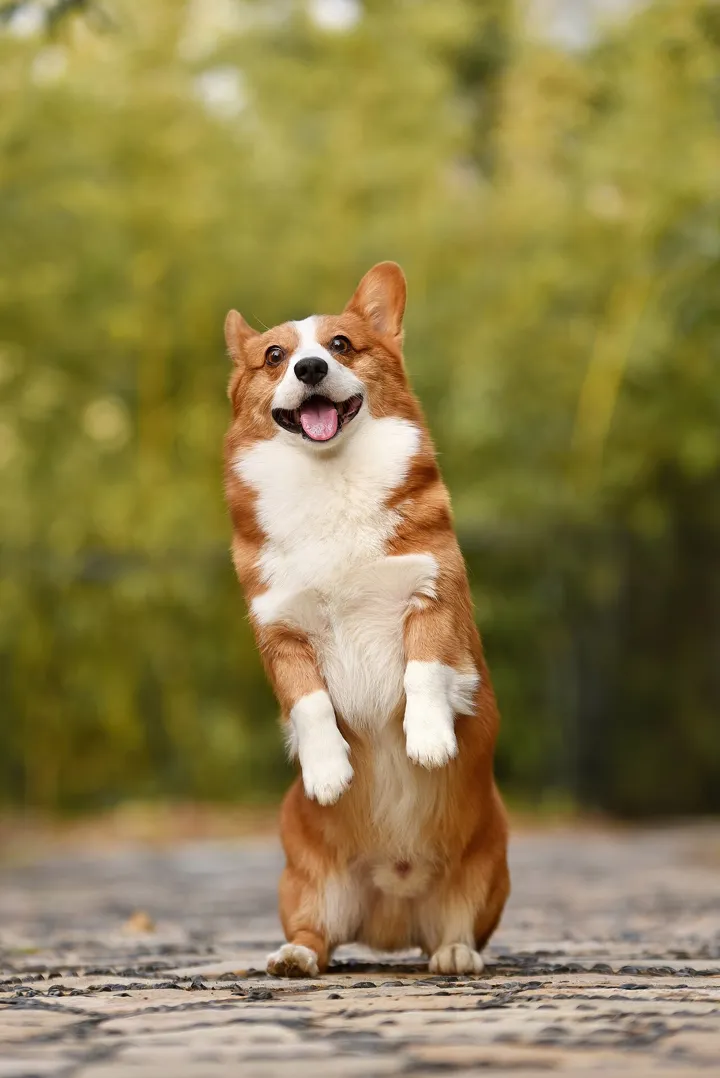
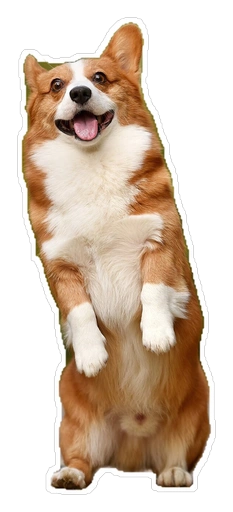
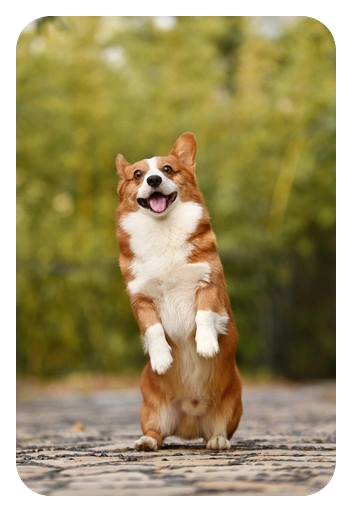
Photo: Huoadg5888, Wikimedia Commons, public domain (CC0).

A sticker from a photo in a minute — with @daistikbot
Send a photo — the bot first shows six similar stickers: it's a sticker search bot first, that's expected. Below them, at the very bottom, is “✂️ Sticker from photo”.
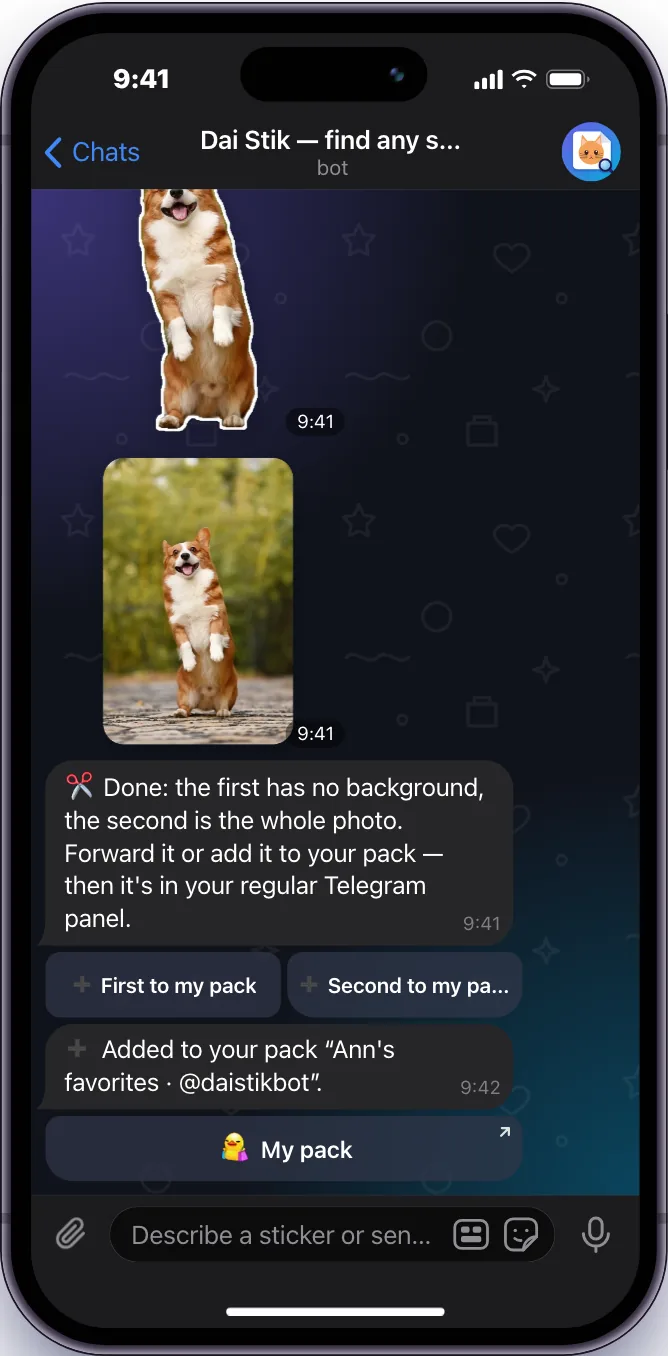
The pack is optional. You can forward the sticker from the bot chat to a friend right away — it arrives as a normal sticker.
Open @daistikbot Dai Stikbot
1Open the bot@daistikbot → Start 2Send a photoFrom your gallery, as a regular photo - Sticker from photo
3Tap “✂️ Sticker from photo”The background is removed in 5–10 seconds 4Pick a versionNo background with a white outline — or the whole photo - ➕ First to my packMy pack
5Add it to your pack“➕ First to my pack” → “📦 My pack” → “Add Stickers”
The bot's limits and rules
The “✂️ Sticker from photo” button only appears for photos and images. A GIF, video or sticker is only searched for.
Which photos work best
A neural network removes the background. On sharp photos of people and animals it cuts cleanly; on blurry or busy ones it can grab a piece of a shelf or lose an ear.
Cuts cleanly
- One main subject, fully in frame and in focus
- A background that differs in color
Cuts unevenly
- A white cat on a white sofa
- Other people or objects touching the subject
Cut-out looks uneven — take the second version, the whole photo. Or crop the photo around the subject and send it again.
Telegram's built-in sticker editor
Since April 2024 Telegram has its own sticker editor. A couple more taps than the bot, but you can fix the sticker by hand.
- Message
1Sticker iconIn the message field of any chat - +
2“+” in the sticker panelAnd pick a photo 3Remove the background in one tapEraser, outline, text, drawings, emoji - 🙂
4Send it or add it to a setTelegram asks you to pick emoji
Since March 2026, a photo opened full-screen in a chat can be turned into a sticker in one tap and edited the same way. Source — the official Telegram blog: editor launch and March 2026 update.
The @Stickers bot — full packs and video stickers
Telegram's official @Stickers bot uploads ready-made files, builds packs from them and shows how often your stickers are sent. It doesn't remove backgrounds — you prepare the image yourself in a photo editor.
Use it if you're drawing a big pack, making animated or video stickers, and want to choose the emoji and order yourself. File requirements are below.

Which to pick
| Task | @daistikbot | Telegram editor | @Stickers |
|---|---|---|---|
| Quick sticker from a photo | Send a photo — one button, 5–10 s | Panel → “+” → photo | Needs a ready file without background |
| Fix the cut-out by hand, add text | No | Eraser, outline, text, drawing | No — edit in your own app |
| Your own pack | One, up to 120 stickers | Your own sets | Packs and stats |
| Video and animated stickers | No | Not stated | From ready WEBM and TGS files |
| Find similar stickers by others | 4M stickers by picture and words | No | No |
Telegram sticker requirements
The bot and the editor fit the sticker automatically. If you prepare a file for @Stickers, here is what Telegram requires (official page):
Regular
- Format
- PNG or WEBP
- Size
- one side exactly 512 px, the other up to 512
- Background
- transparent works best
Video sticker
- Format
- WEBM, VP9 codec, no audio
- Size
- one side 512 px
- Length and weight
- up to 3 s, up to 30 fps, up to 256 KB
Animated
- Format
- TGS from After Effects
- Size
- 512×512 canvas
- Length and weight
- up to 3 s, 60 fps, up to 64 KB
Each sticker needs at least one emoji. A regular pack holds up to 120 stickers.
Questions and answers
Is it free?
Why does the bot send other people's stickers first?
There's no “Sticker from photo” button — why?
Can I make a sticker from a video or GIF?
How do I add text to a sticker?
Where do I find my pack later?
How many stickers fit in a pack?
Looking for someone else's sticker rather than making your own? Find a Telegram sticker by picture, screenshot or words with the same bot.