 Dai Stik
Find any sticker by picture
Send a screenshot, photo, GIF or the sticker itself — the bot finds it in Telegram and shows dozens of similar ones. No picture? Describe it: “crying cat”.
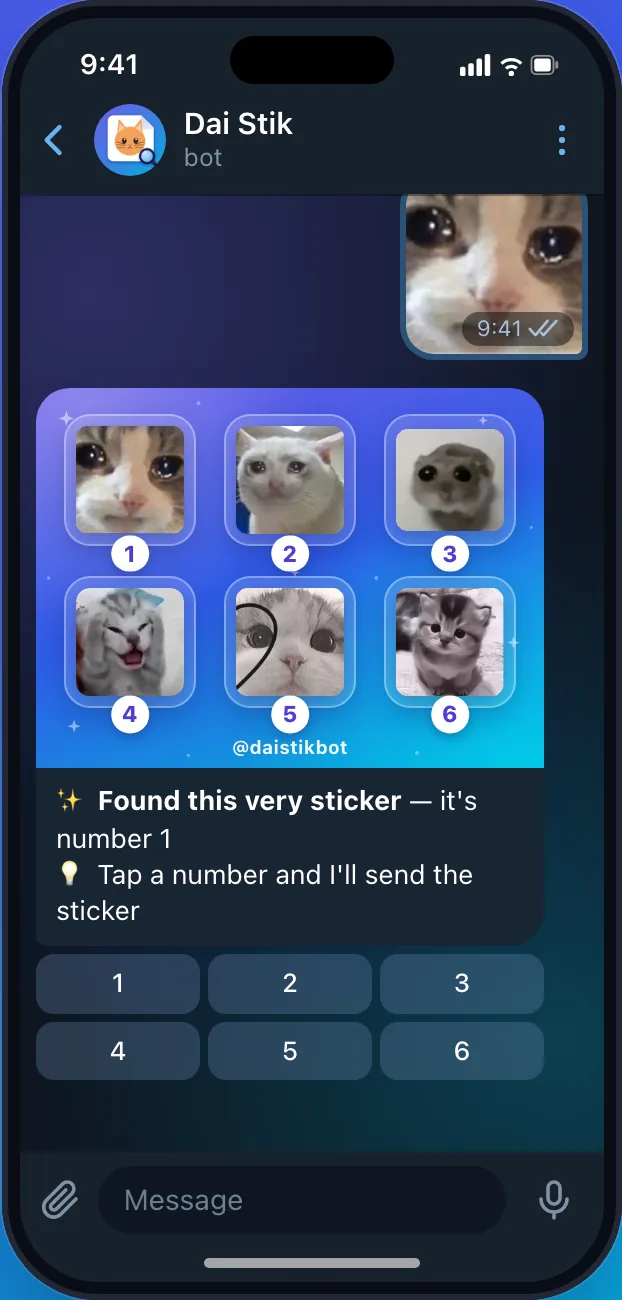
Three steps to the right sticker
Send a picture or describe it
A screenshot, photo, GIF, video or someone’s sticker. Or write who is on it and what they’re doing.
Get six options
In a few seconds the bot sends them as one animation. Not it? Tap “6 more” or “Refine”.
Tap a number — it’s yours
Send it to a friend, save it to favorites or add the whole pack to your Telegram.
More than emoji search
Telegram’s built-in search only looks at pack names and emoji. Dai Stik looks at the picture itself and understands descriptions by meaning.

By picture
A screenshot, photo, GIF, video or the sticker itself — the bot finds the same one and similar ones.

By words
“Crying cat”, “dog in glasses”, “lol”. And by names of streamers and meme characters.

In any chat
Type @daistikbot and a word right in a conversation — a panel opens above the keyboard.

Collections and trends
Stickers for every occasion: running late, thanks, good morning. And what people send most this week.

Favorites and your own pack
Save the ones you like — the bot turns them into your own pack in the regular Telegram panel.

Sticker from your photo
Send a photo — the bot removes the background and makes a sticker. Up to 10 a day.
What people search — and what the bot answers
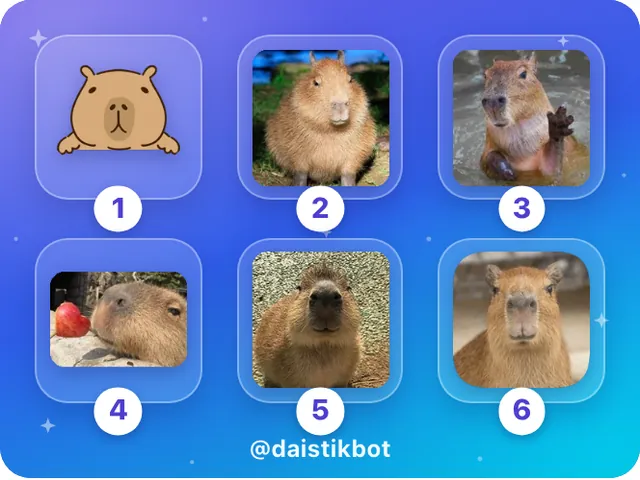
Real bot answers, nothing retouched. The query is on top, below are the six options that came back.



Finds the sticker, not just the pack
- The exact sticker. Not a list of packs to scroll through, but the sticker itself — in one tap.
- Animated and video. 4 million stickers: static, animated and video.
- Free. 30 searches a day, no coins, ads or subscriptions. In any chat — no limit.
- Growing every day. The bot finds new packs on its own and adds them to search.
How it differs from Telegram search
| You need to | Telegram search | Dai Stik |
|---|---|---|
| Find by screenshot or photo | Can’t | Send a picture — it finds it |
| Find by your own description | Only by pack name and emoji | Understands meaning: “crying cat” |
| Streamer or meme stickers | Only if the pack has that name | By name |
| What you get | Packs to scroll through | The sticker itself — one tap |
| Animated and video | Yes | Yes, 4M stickers indexed |
Frequently asked questions
How do I find a sticker by picture or screenshot?
Is it free?
Do I need to sign up or install anything?
Does it find animated stickers?
How do I search right in a chat?
Can I find a sticker without a picture?
What if the sticker isn’t found?
Find your sticker in seconds
A screenshot, photo or a couple of words — and the sticker is yours. Free.
Open @daistikbot